StaticIP

Network Configuration Automation Tool

A Windows utility that automatically restores static IP configurations based on network adapter MAC addresses, eliminating repetitive manual setup and reducing deployment errors.

Project Overview

StaticIP was developed to solve a common networking problem: Windows often creates new network interfaces after hardware changes, causing previously assigned static IP addresses to be lost.

Instead of manually reconfiguring each adapter, StaticIP automatically identifies network interfaces using their MAC addresses and applies the correct IP configuration.

This approach significantly reduces deployment time, prevents configuration mistakes, and provides a repeatable networking setup for industrial and enterprise environments.
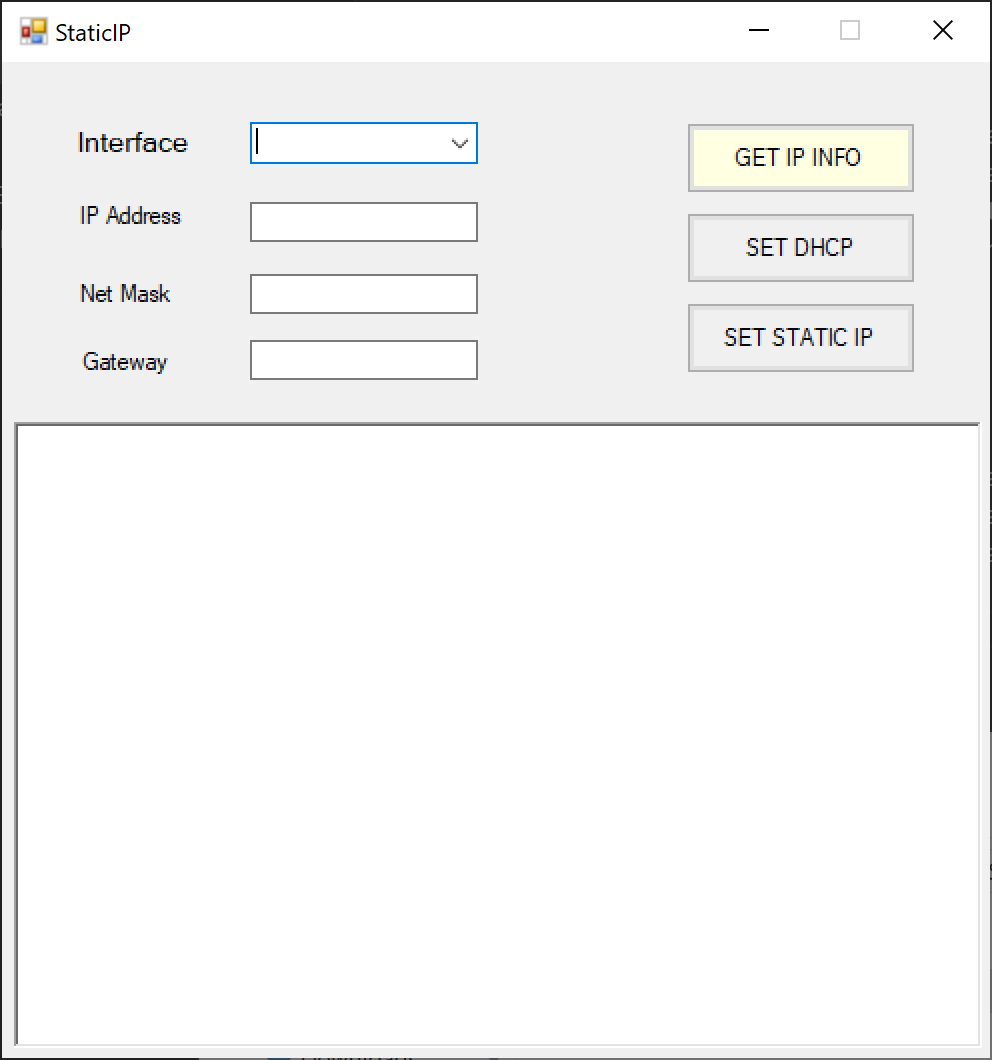
StaticIP Network Automation Tool

Key Features

🌐

Automatic IP Assignment

Assigns predefined static IP addresses automatically using MAC address identification.

🔄

Adapter Recovery

Restores network settings when Windows creates new network interfaces or renames adapters.

📝

Configuration Generation

Creates reusable configuration files from existing network settings.

Deployment Automation

Eliminates repetitive manual configuration during system deployment and maintenance.

How It Works

1

Scan Network Adapters

2

Read MAC Address

3

Match Configuration

4

Assign Static IP

Problem Solved

In environments where multiple network adapters, USB Ethernet devices, or replacement hardware are used, Windows may create new network profiles and may not match with existing static IP assignments.


StaticIP eliminates this issue by maintaining a persistent mapping between MAC addresses and network configurations, ensuring systems always receive the correct IP settings.

Technical Skills

Networking: TCP/IP Static IP MAC Addressing NIC Configuration
System: Windows Automation CLI Tools
Concepts: Deployment Configuration Management Network Administration

GitHub Repository

View Source Code